
- About Us

We 365 Admin Support, just simplify your IT problems
Call for a free support. +91 96666 59505Platform Partnership



HIGHLIGHTS
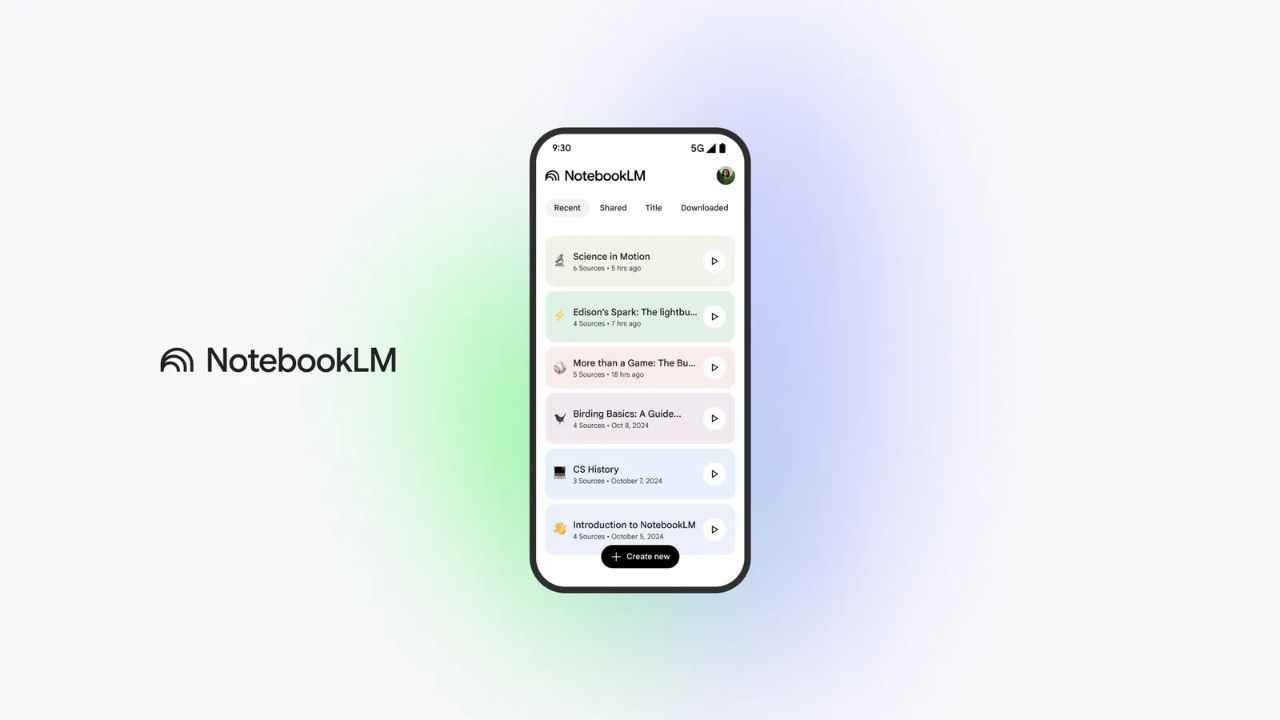
Google has announced the launch of the NotebookLM applications for mobile platforms just ahead of the I/O 2025 conference. This means that users around the world can now download the app from the App Store and Play Store. Originally unveiled in 2023, NotebookLM was restricted to desktop usage until it was transformed into a mobile-friendly version. The latest iteration of NotebookLM is now accessible for iPhones running iOS 17 or later and Android devices operating on version 10 or newer.
In a recent blog update, Google emphasized that the NotebookLM app for smartphones and tablets incorporates many of its key functionalities, with plans for additional features in the months to come. Here’s a deeper look at what this fresh version of NotebookLM has to offer.
The NotebookLM app for mobile devices includes several innovative features such as intelligent summaries and the capability to pose questions about uploaded documents and materials. Users can expect to benefit from audio summaries and podcast-style presentations that leverage AI to create immersive audio content based on their uploaded resources. An exciting aspect is that these audio features can be accessed even when the user is offline, ensuring uninterrupted enjoyment of the content.
Moreover, the app simplifies the process of creating new notebooks and provides an easy way to access those that have already been established. Users can also engage with various types of media, such as websites, PDFs, or YouTube videos, directly through the app. To do this, they simply need to add a new source by tapping the share icon and selecting NotebookLM. The app is designed to keep track of all sources uploaded to each notebook, offering a seamless user experience.
In addition, NotebookLM incorporates a user-friendly interface that supports both light and dark modes, which adapt automatically based on the user’s device settings. This thoughtful feature enhances readability and accessibility, catering to user preferences.
On a related note, Google recently showcased a preview of Android 16, unveiling several key attributes, including an updated WearOS featuring the new Material 3 Expressive UI. As part of the I/O 2025 keynote, more detailed information about NotebookLM and its further functionality is expected to be revealed.


